How to Start an Online Store: Step-by-Step
Starting an online store is easier than ever, but easy to start does not mean easy to get right. Many new stores launch with a nice-looking site and then wait weeks for the first order because the basics were skipped.
This guide walks through every step, from choosing what to sell to getting your first customers and managing growth.
Step 1: Choose a Niche and Validate It
Do not start with "what can I sell?" Start with "who am I selling to, and what problem am I solving?" A good niche has three things:
- Demand: People are already searching for or buying it.
- Margin: You can sell it for enough above cost to cover shipping, ads and returns.
- A clear audience: You know who your customer is and where they spend time.
To validate it, check Google search volume for your product keywords, look at what competitors charge, and browse Instagram and Facebook to see whether similar brands have active, engaged followers. If you can, pre-sell a small batch or run a small ad test before you invest in stock.
Step 2: Decide What You Will Sell and How You Will Source It
You have four main options:
- Your own products: Handmade, manufactured or private label. This gives the best margins and brand control, but needs upfront investment.
- Wholesale: Buy in bulk and resell. Margins are moderate and you hold the inventory risk.
- Dropshipping: The supplier ships directly to the customer. Startup cost is low, but margins are thin and you have less control over quality and delivery times.
- Digital products: Courses, templates and files. There is no shipping, but the market is competitive.
Whichever you choose, order samples first. Product quality is the fastest way to earn or lose reviews.
Step 3: Register Your Business and Handle the Legal Basics
Before you take payments, set up the legal side properly. Depending on your country, this usually means:
- Registering your business name and structure.
- Getting a tax registration number where required.
- Opening a business bank account and keeping personal and business money separate from day one.
- Writing your store policies for returns, refunds, shipping and privacy.
Requirements differ by country, so check with a local accountant or the relevant authority.
Step 4: Pick Your Platform
This decision shapes everything that follows. Your main options include hosted platforms such as Shopify, which are quick to launch but have monthly fees and some limits on customization; open-source platforms such as WooCommerce on WordPress, which are flexible and low-cost to start but require you to manage hosting, updates and security; and custom-built stores, which offer control over design, speed, features and integrations but cost more upfront.
If you want a store that is fast, SEO-ready and built around your exact workflow, a custom build is worth considering. Axoic's eCommerce development service builds stores like this for brands in Pakistan and worldwide.
Step 5: Choose a Domain and Brand Your Store
Your domain and brand are the first things customers judge. Keep your name short and easy to spell, easy to say out loud, and available as a .com and on social media.
Then build a simple, consistent identity: logo, colors, fonts and a tone of voice. A professional look builds trust, and trust helps a first-time visitor feel comfortable entering payment details. If you need help, see our branding and graphic design service.
Step 6: Build Your Store
A store that converts needs more than good looks. Make sure it has:
- Fast loading: Slow sites lose customers and rank lower on Google.
- Mobile-first design: Most shoppers browse and buy on their phones.
- Clear navigation: Categories that make sense and a search bar that works.
- Strong product pages: Quality photos, benefit-led descriptions, size or spec details, reviews and a clear Add to cart button.
- Simple checkout: Guest checkout, few form fields and the payment methods your customers actually use.
- Trust signals: Reviews, secure payment badges, visible contact details and clear return policies.
Step 7: Set Up Payments
Offer the payment methods your customers already trust. Cards and digital wallets are standard almost everywhere. In Pakistan, also consider cash on delivery and local options like JazzCash and Easypaisa, since many shoppers still prefer them.
The more friction at payment, the more carts you lose, so test your checkout yourself on desktop and mobile before you launch.
Step 8: Plan Shipping and Fulfillment
Shipping is where many new stores lose money and customers. Decide early which courier partners you will use and their rates, whether you will offer free shipping, flat-rate shipping or free shipping above a minimum order, how long delivery takes and how you will communicate it, and how returns and exchanges work.
Be honest about delivery times. Customers forgive slow shipping far more easily than missed promises.
Step 9: Optimize for Search Before You Launch
Paid ads get you traffic quickly, but SEO builds traffic that keeps coming without paying per click. From the start, research the keywords your customers search and use them in titles, descriptions and headings; write unique product descriptions instead of copying supplier text; use clean, readable URLs; add descriptive alt text to your images; create helpful buying guides and how-tos; and make sure your site is fast and mobile-friendly.
Axoic SEO services can set this foundation up properly, which is far cheaper than fixing it later.
Step 10: Launch and Get Your First Customers
Do not wait for a perfect launch. Start with the channels that give the fastest feedback:
- Meta Ads on Facebook and Instagram can work well for visual products and impulse buys.
- Google Ads captures people already searching to buy.
- Social media and content build trust and organic reach over time.
- Email and WhatsApp help you collect contacts from day one, since repeat customers cost far less than new ones.
- Your own network of friends, family and early supporters can give you the first orders and reviews.
Start with a small ad budget, test creatives and audiences, and put more money behind what works.
Step 11: Manage Your Store as You Grow
At five orders a week, a spreadsheet works. At 50 or 500, you are juggling products, stock levels, orders, customer messages and fulfillment across different tools, and mistakes start costing you money. Overselling out-of-stock items, missed orders and slow updates quickly damage your reputation.
Where Storivo Fits In
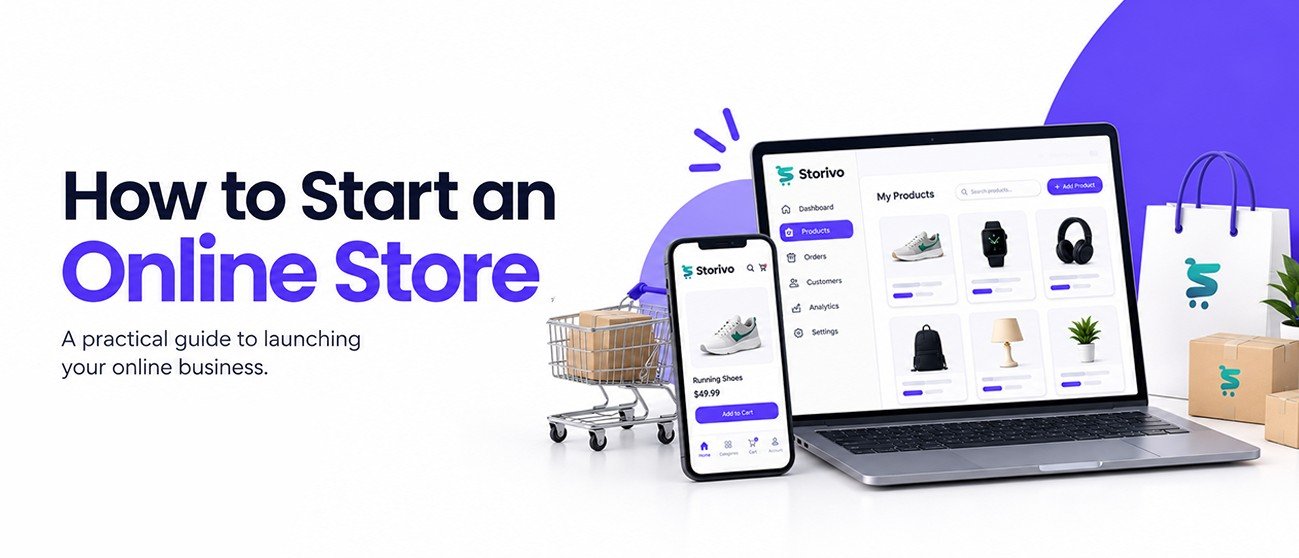
Storivo is Axoic's store management platform, built to help online sellers run day-to-day operations from one place. Instead of switching between spreadsheets, chat threads and separate tools, you can manage products, orders and inventory in a single dashboard, spending less time on admin and more time growing.
If you are launching a store, or already running one that has outgrown manual processes, explore Storivo and see how it can simplify your operations.
Step 12: Measure, Improve, Repeat
Your launch is the starting line. Track a few key numbers every week:
- Conversion rate: The percentage of visitors who buy.
- Average order value: How much each customer spends.
- Cart abandonment rate: How many people leave at checkout.
- Customer acquisition cost: What you pay to win one customer.
- Repeat purchase rate: How many customers come back.
Small improvements to each of these add up fast. Fix the biggest leak first, usually checkout or product pages, then move to the next.
Final Thoughts
Starting an online store comes down to choosing a niche people want, building a fast and trustworthy site, making payment and shipping simple, and driving the right traffic. Then you manage it all with systems that scale.
Need help? Axoic builds, markets and grows online stores, from development and SEO to ads and branding. Contact us for a free consultation, or see how Storivo can help you run your store.